
WooCommerce and WordPress on WhatsApp, without code.
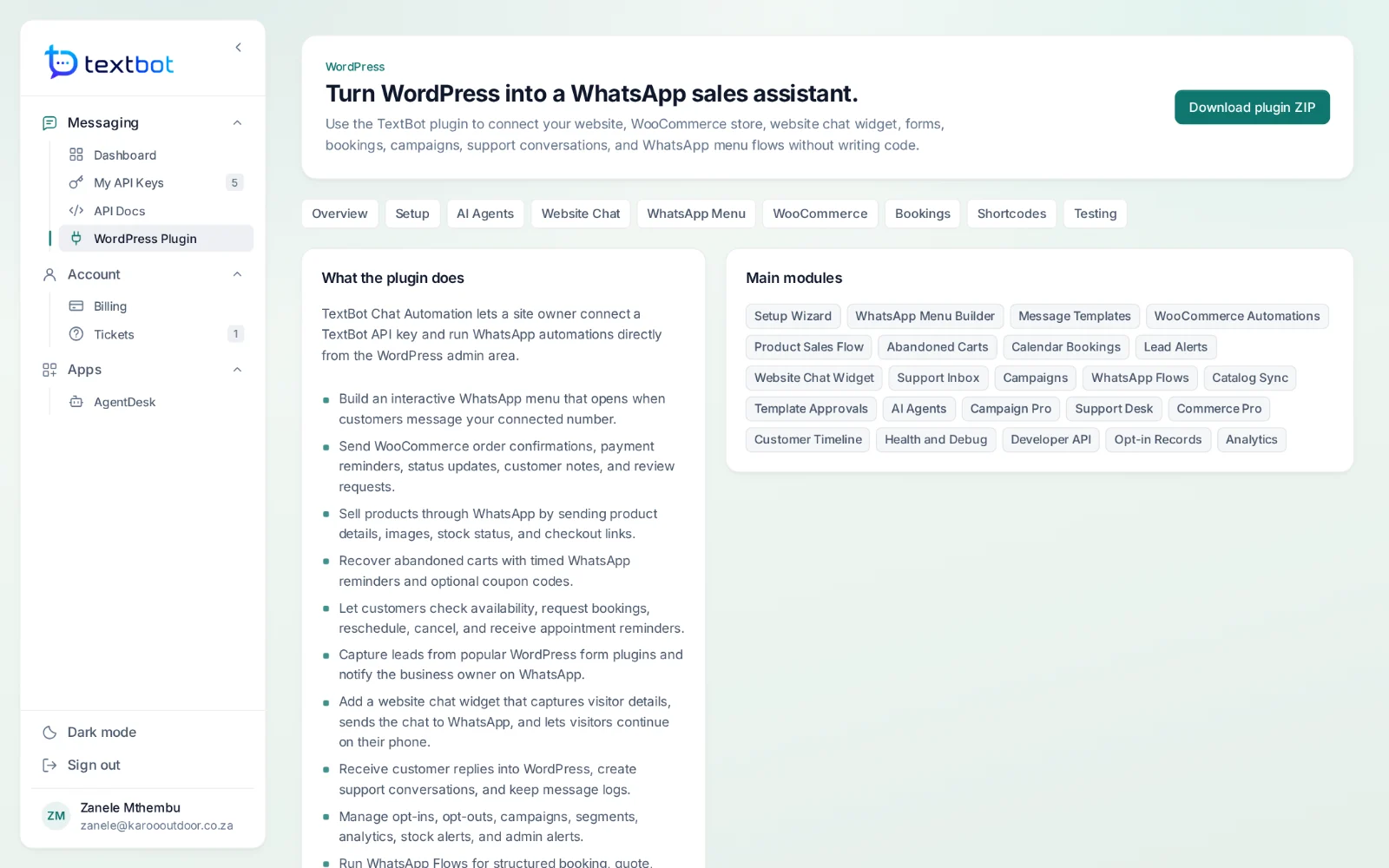
The TextBot plugin connects WordPress and WooCommerce to your number. Order updates, abandoned-cart recovery, bookings, lead forms and a chat widget that moves the conversation to WhatsApp — all set up from the WordPress admin.
- Version 1.4.1
- WordPress 6.0 and PHP 7.4 or later
- Included with every plan
- Download it from your portal
What it does for a shop.
A WhatsApp menu
A reply-driven menu for orders, tracking, bookings, payments, returns and handover to a person, opened by words like “hi” or “menu”.
WooCommerce
Order confirmations and status updates, payment reminders, checkout links, the product catalogue and back-in-stock alerts.
Abandoned carts
Timed WhatsApp reminders for carts left behind, with an optional coupon code.
Bookings and forms
Availability, bookings, reschedules and reminders, and leads from Contact Form 7, WPForms and Gravity Forms.
A website chat widget
Visitors leave their name and number, then choose to chat on the site or carry on from their phone on WhatsApp.
AI replies and handover
Connect Ollama, Flowise, Dify or your own endpoint to draft replies, pause the bot on any chat and take over.
Set up in four steps.
- Step 1
Download the plugin
Sign in to your portal, open WordPress Plugin and download the ZIP.
- Step 2
Install and activate
In WordPress: Plugins, Add New, Upload Plugin — then activate TextBot Chat Automation.
- Step 3
Connect your key
Enter your API key, your connected number and your own WhatsApp number, then send a test message.
- Step 4
Add the webhook
Paste the plugin’s webhook address into your key, and replies flow back into WordPress.
And the rest of the plugin.
- WhatsApp Flows for bookings, quotes, returns, support, leads and feedback
- Catalogue sync and message template approvals
- Campaigns, segments and opt-in records
- A support inbox and a timeline for every customer
- Health checks, queue retries and a developer API
- Gutenberg blocks and the [textbot_whatsapp_widget] shortcode
Questions, answered.
Do I need to write code?
Not on WordPress. The TextBot plugin connects WordPress and WooCommerce to your number from the WordPress admin: order updates, abandoned carts, bookings, forms, a WhatsApp menu and a chat widget. It needs WordPress 6.0 and PHP 7.4 or later.
Can I message anyone?
Only message people who expect to hear from you. The WordPress plugin keeps opt-in records and enforces opt-outs, and WhatsApp’s own terms apply to every number.
Works with
Your number. Your API.
Connect your WhatsApp number in under a minute. Annual plans, with no per-message fees.