
One inbox for the whole team.
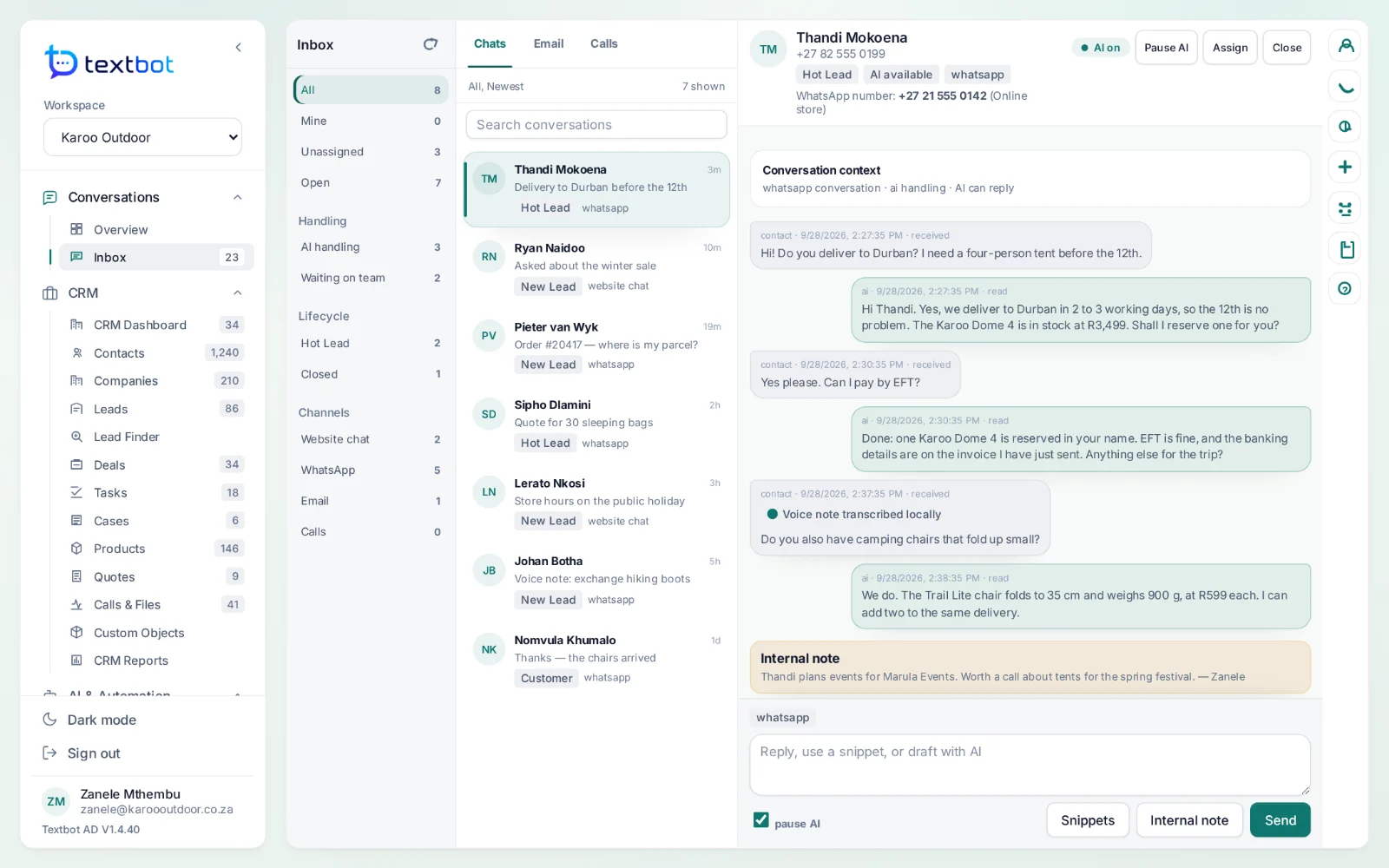
WhatsApp, website chat and email in a single queue. AI agents answer first; your team assigns, notes and takes over whenever it wants, with the customer’s record beside the conversation.
What your team can do in it.
Every channel in one queue
WhatsApp, website chat and email, newest first, filtered by channel, status, owner or lead stage.
Assign and route
Hand a conversation to a colleague or a team, and see what is yours, what is unassigned and what waits on the team.
Private notes
Notes on a conversation that only your team can see.
Take over from the AI
Pause the AI on any conversation and answer yourself. Resume it when you are done.
Voice notes as text
WhatsApp voice notes are transcribed on the AgentDesk server, so they read like any other message.
Snippets
Saved replies with shortcuts: type /pay, press Tab, and the answer is in.
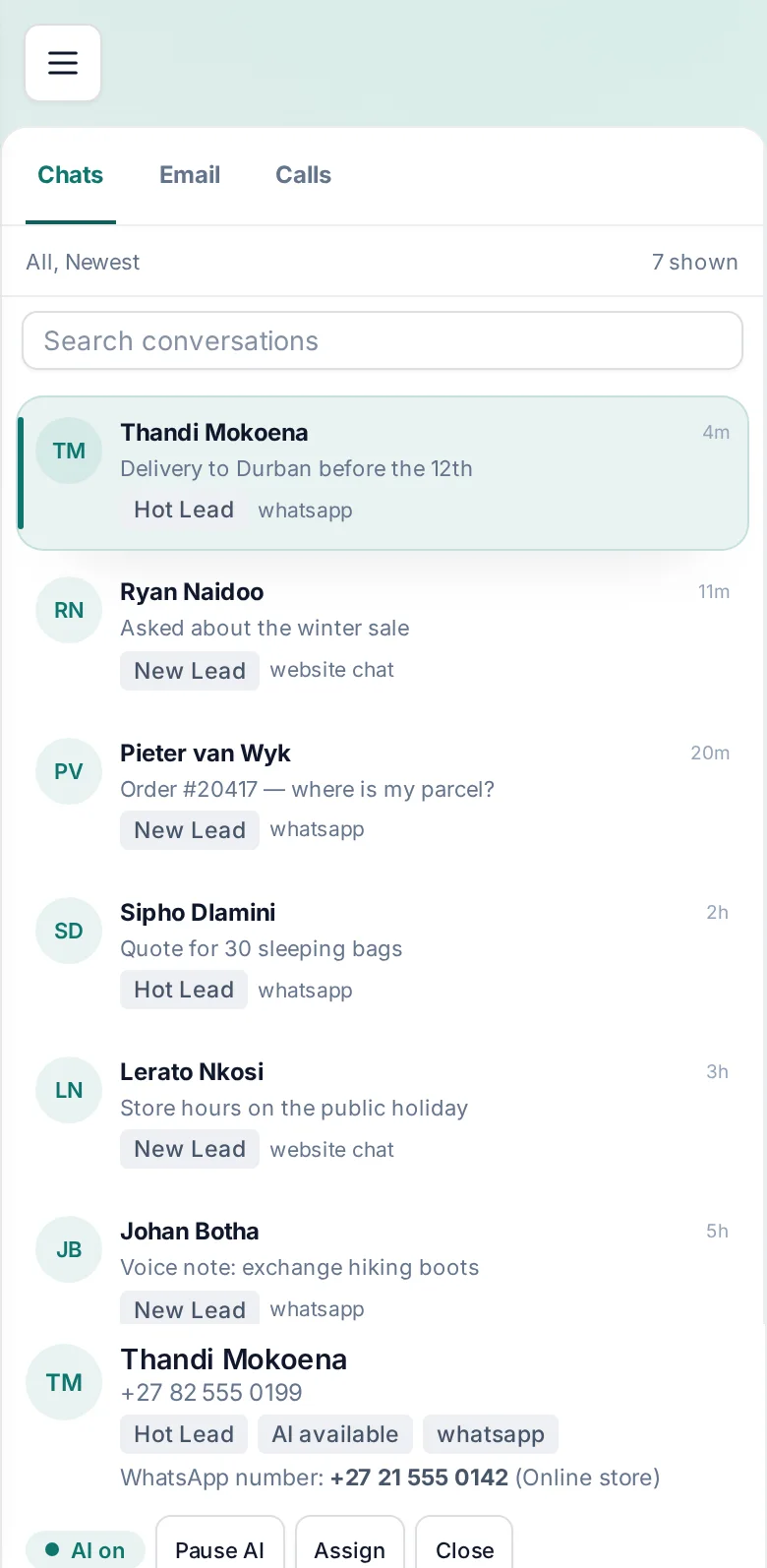
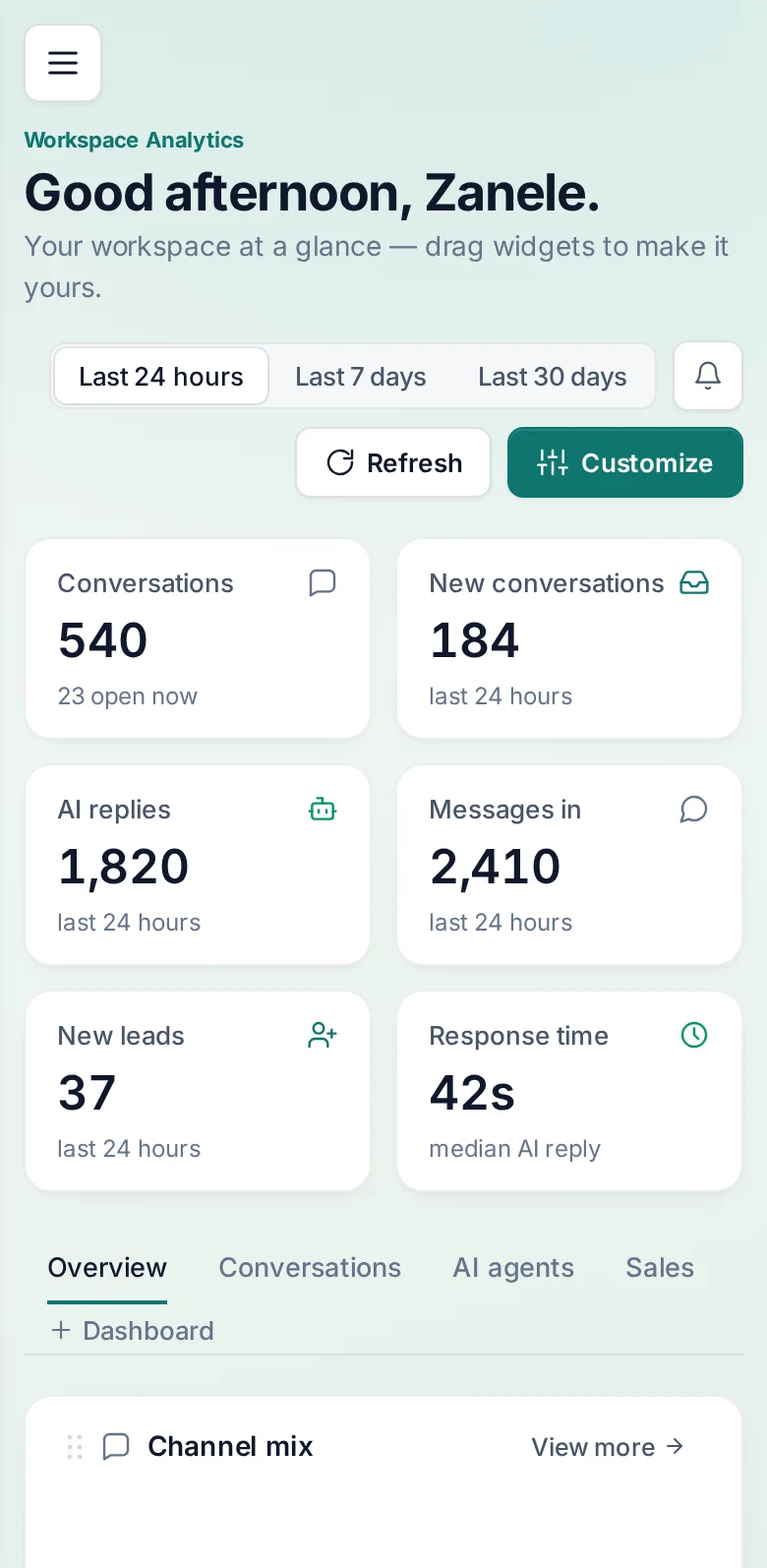
The inbox, on a phone.
AgentDesk runs in the browser, on a desk or in a pocket — so a conversation waiting on the team can be answered from wherever the team is.
Questions, answered.
What is AgentDesk?
The workspace your team answers from. It puts WhatsApp, website chat and email in one shared inbox, keeps a CRM behind every conversation, and runs AI agents that answer from your own documents. It uses the numbers you already run through TextBot.
Do I need a second account for AgentDesk?
No. AgentDesk runs at agentdesk.textbot.cc and signs you in from your TextBot account — one login, no second password.
Can AgentDesk read voice notes?
Yes. WhatsApp voice notes that arrive through TextBot are transcribed on the AgentDesk server before they reach an agent, so the AI and your team read them as text.
Works with
Answer every conversation.
AgentDesk runs on the numbers you already have in TextBot, and signs you in with the same account.