
Broadcasts that go out only when they should.
Write a message once as a template, have it approved, then send it to a segment of your contacts — and watch the status of every recipient as it goes out.
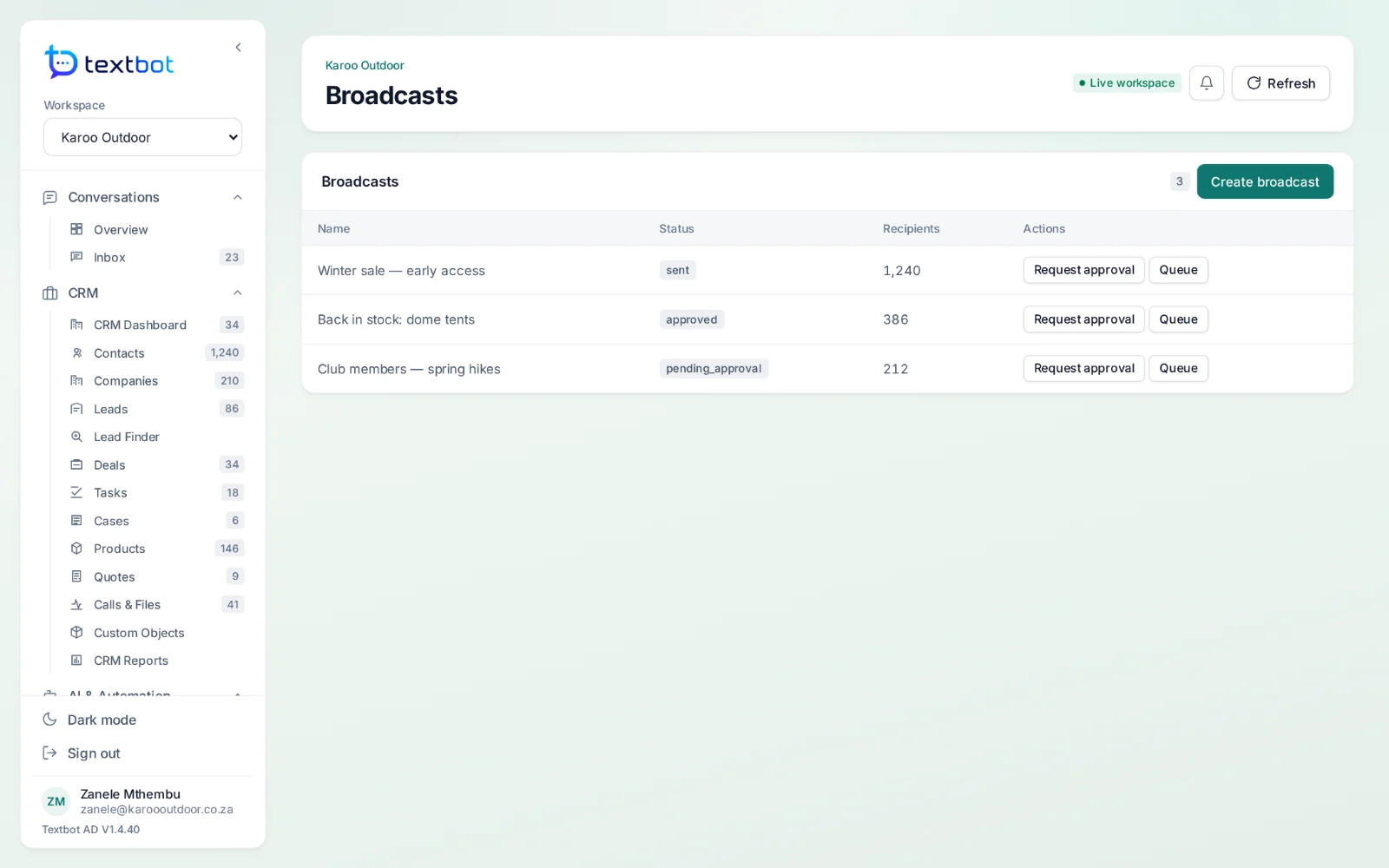
From template to delivered.
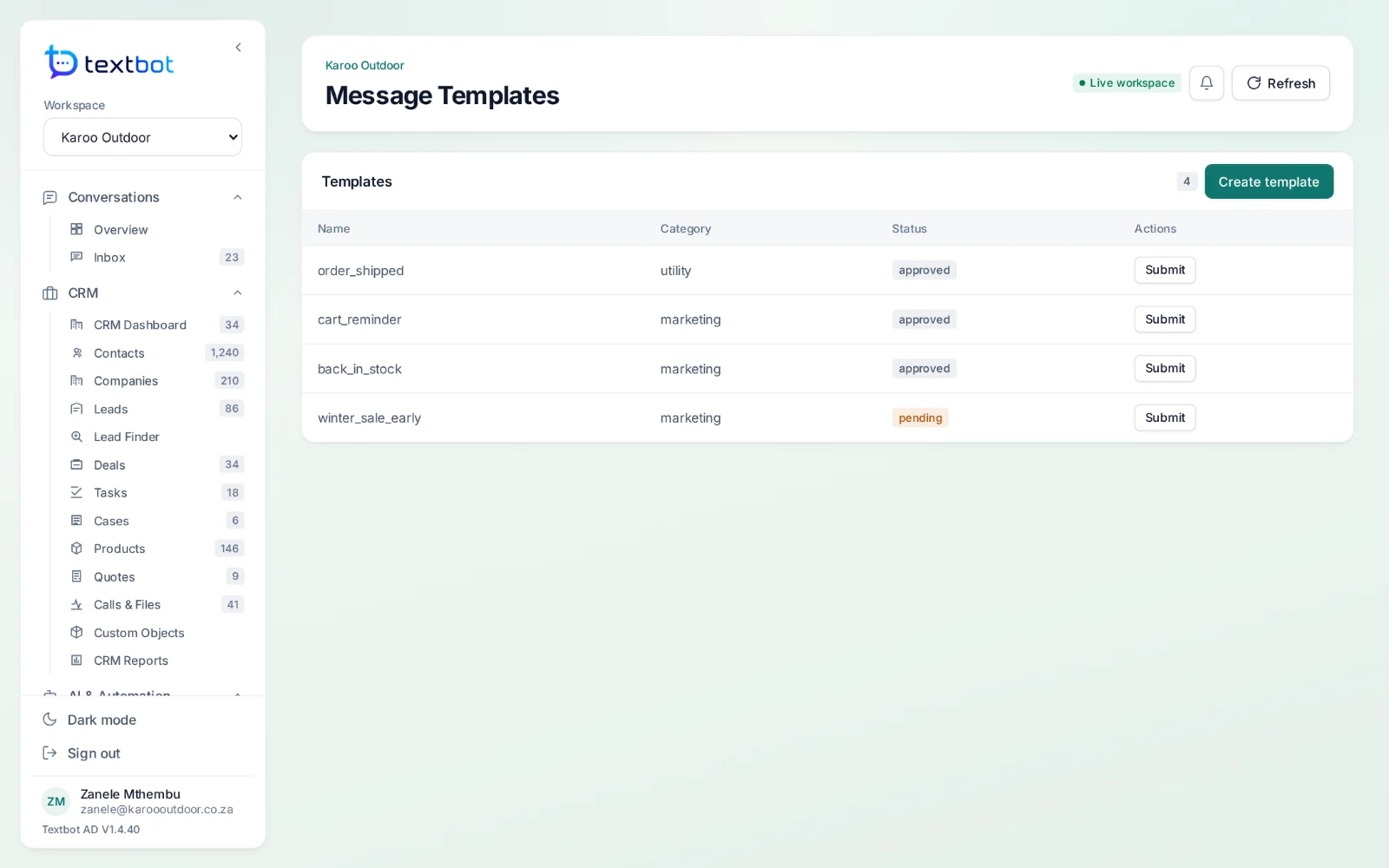
Message templates
Reusable templates for order updates, reminders and offers, kept in one place.
Approval first
Templates and broadcasts pass through an approval queue before anything can be sent.
Segments
Send to the contacts a broadcast is meant for, not to everyone.
Per-recipient status
See who each message reached, and which failed.
Opt-outs respected
People who opted out stay out.
From your own number
Broadcasts go out through the TextBot numbers you already run.
Templates, approved once.
Each template has its category and status, and waits for sign-off before it can be used in a broadcast.
Questions, answered.
Can I message anyone?
Only message people who expect to hear from you. The WordPress plugin keeps opt-in records and enforces opt-outs, and WhatsApp’s own terms apply to every number.
Works with
Answer every conversation.
AgentDesk runs on the numbers you already have in TextBot, and signs you in with the same account.