
Send a WhatsApp message with one HTTP call.
A GET request with the number, your API key and the text sends a message. For images, documents and reply buttons, POST JSON to /api/send. Add &json=yes to any GET for a JSON response instead of HTML.
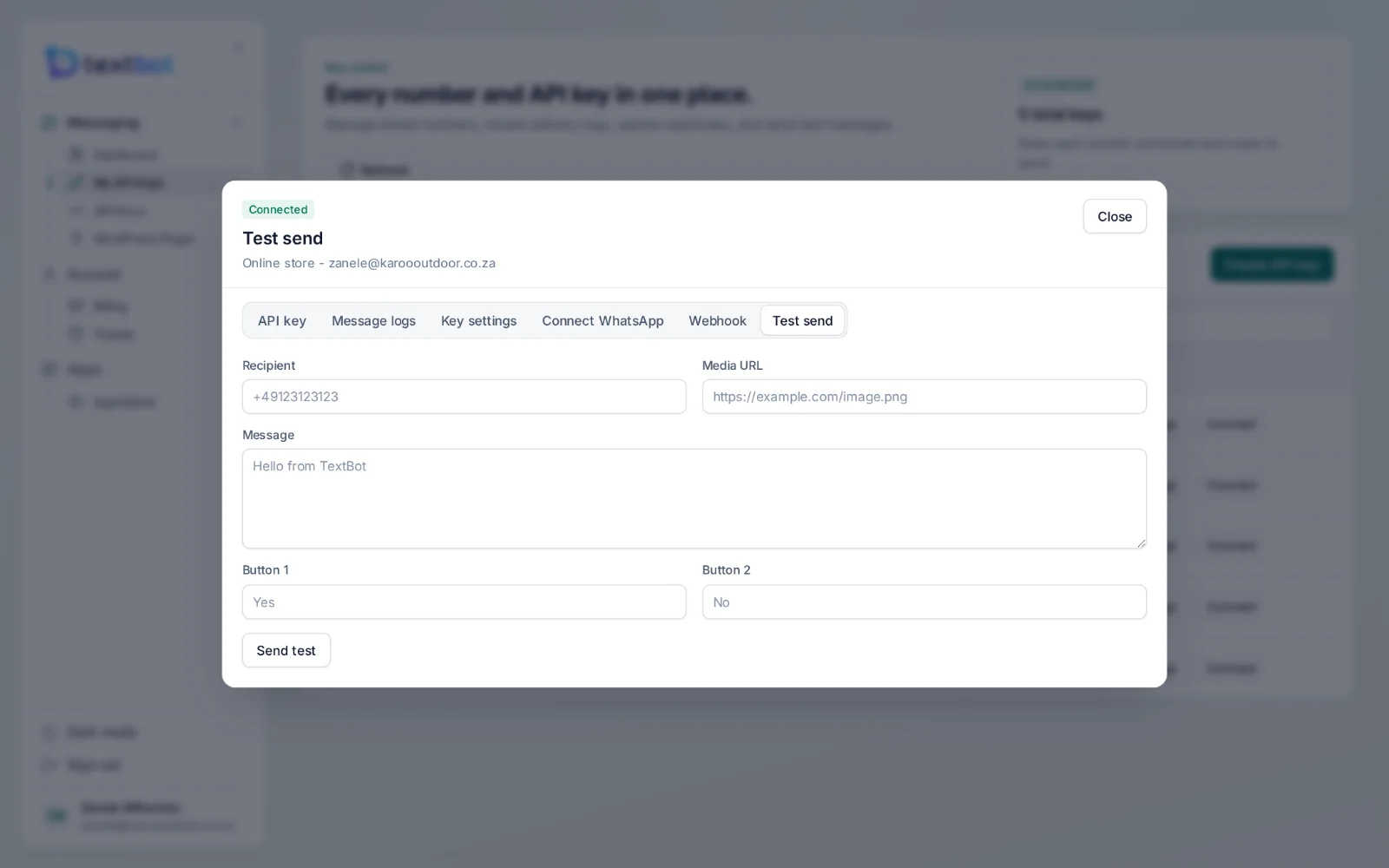
Four ways to send.
GETA text message
The simplest integration there is: one URL.
https://api.textbot.cc/send.php
    ?recipient=27825550199
    &apikey=YOUR_KEY
    &text=Hello
&json=yesPOSTImages and files
Send JSON to /api/send with a link to the file.
https://api.textbot.cc/api/send

{
  "recipient": "+27825550199",
  "apikey": "YOUR_KEY",
  "text": "See attached",
  "file": "https://example.com/image.png"
}GETA document
Invoices, statements and tickets as a PDF in the chat.
https://api.textbot.cc/send.php
    ?recipient=27825550199
    &apikey=YOUR_KEY
&document=https://example.com/invoice.pdfGETReply buttons
Buttons to tap instead of typing; the tap comes back on your webhook.
https://api.textbot.cc/send.php
    ?recipient=27825550199
    &apikey=YOUR_KEY
    &text=Continue?
    &button1=Yes&button2=No
What to send it from.
Your shop or billing system
Order confirmations, invoices, statements and payment reminders, the moment they are created.
Bookings and reminders
Confirmations, reminders the day before, and a button to confirm or reschedule.
Alerts and notifications
Anything a system already emails — sent to WhatsApp, where people actually read it.
No-code tools
Any automation tool that can call a web address can send through your number.
WordPress and WooCommerce
The TextBot plugin does it for you, without code.
Your own scripts
Existing send.php scripts keep working exactly as they are.
Questions, answered.
Are there per-message fees?
No. Plans are paid once a year and there is no charge per message, so a busy month costs the same as a quiet one.
How do I send a message?
With one HTTP call. A GET request to send.php with the number, your API key and the text sends a message; a POST with JSON to /api/send adds images, documents and reply buttons.
Will my existing send.php scripts keep working?
Yes. The original send.php, status.php, addphone.php and webhook.php paths are still supported, so scripts written for them run unchanged.
Can I message anyone?
Only message people who expect to hear from you. The WordPress plugin keeps opt-in records and enforces opt-outs, and WhatsApp’s own terms apply to every number.
Works with
Your number. Your API.
Connect your WhatsApp number in under a minute. Annual plans, with no per-message fees.