
A key for every number, branch and workflow.
Every key is its own WhatsApp session, with its own number, webhook, message log and expiry date. Give a client, a branch or a workflow its own key and it never touches another’s customers or history.
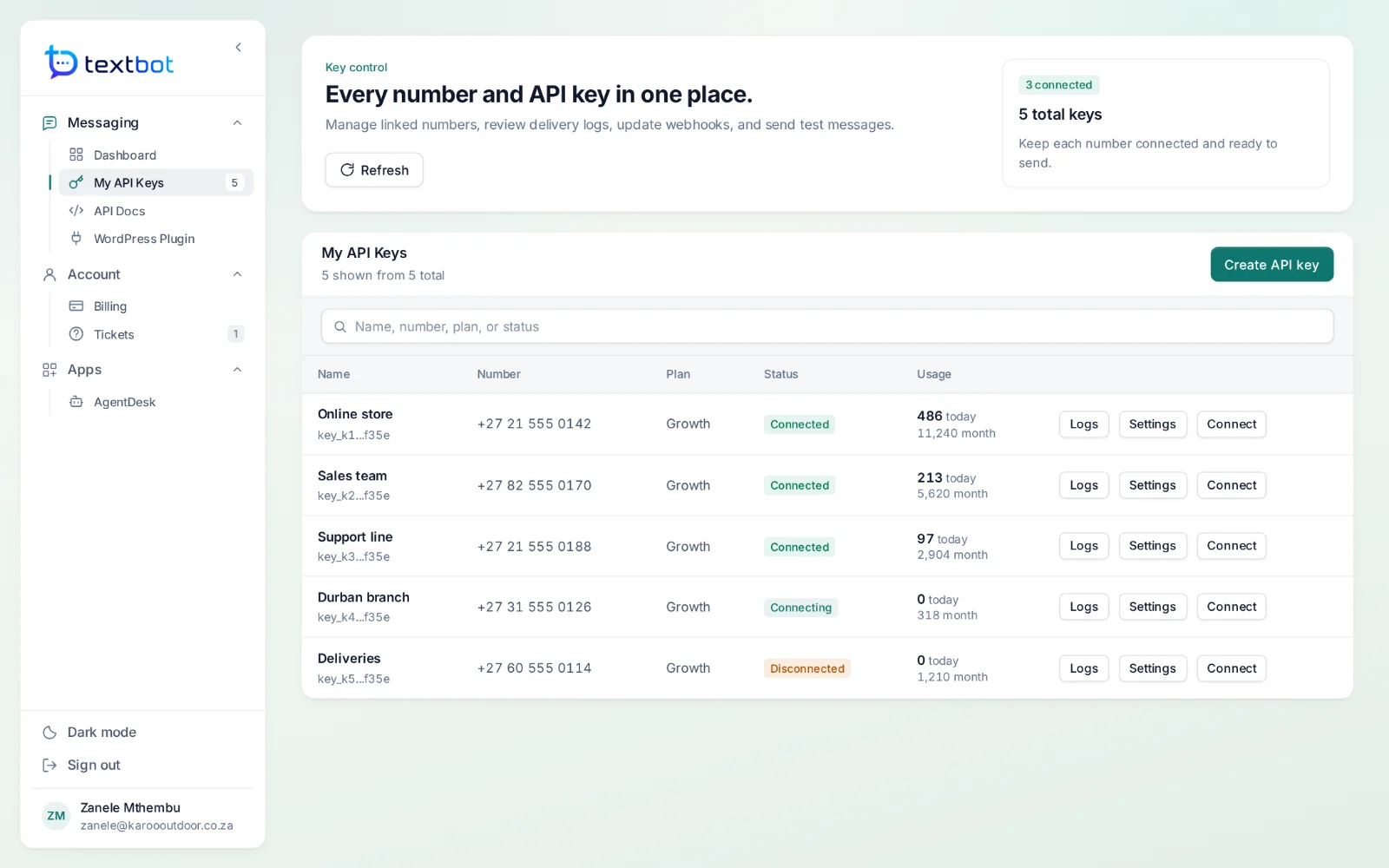
What lives on a key.
Its own number
Each key links one WhatsApp number, by QR code or pairing code, and shows whether it is connected.
Unlimited messages
The current plans put no cap on messages or recipients. Limits, where a key has them, apply to that key alone.
An expiry date
The key switches itself off on the day its plan ends. An email warns you before it stops working, not after.
Its own log
Every send and reply on the key, threaded by number, with the reason beside anything that failed.
Usage on every key
Messages today, this month and in total, next to each key.
Its own number and webhook
Each key links its own WhatsApp number and posts its replies to its own address.
More keys as you grow.
Every plan comes with a number of keys — Starter: 1 key · Growth: 5 keys · Enterprise: 20 keys. Each key links one number.
Questions, answered.
Can I give a client their own key?
Yes. Every plan comes with a number of keys — one, five or twenty — and each key is its own WhatsApp session with its own number, webhook, message log, usage and expiry date. Limits live on the key, not the account, so one key can never spend another client’s quota.
How do I pay?
Plans are priced in US dollars and paid once a year through PayFast, which charges the equivalent in rand. Your account and API key are created as soon as PayFast confirms the payment.
What happens when a plan ends?
Each key carries its expiry date and switches itself off on that day. You get an email before a key stops working, not after, so there is time to renew.
Works with
Your number. Your API.
Connect your WhatsApp number in under a minute. Annual plans, with no per-message fees.