
Your number, linked in under a minute.
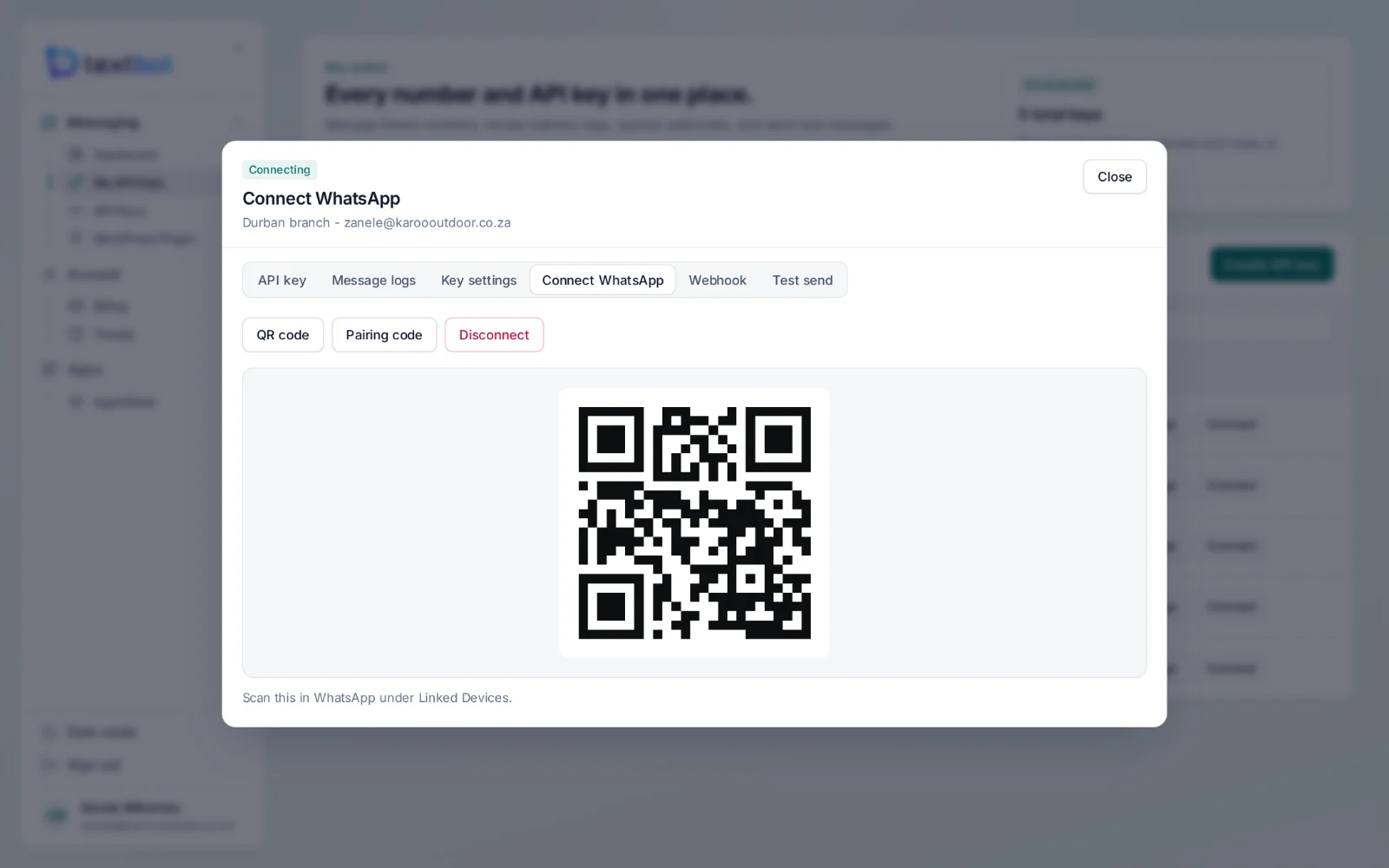
Open a key in your portal, choose Connect WhatsApp and scan the QR code with the phone that holds the number — the same way you link WhatsApp to a computer. Rather type than scan? Ask for a pairing code instead.
The number your customers already know.
Your own number
Customers keep messaging the number they know. There is nothing to port and no new sender to introduce.
QR code or pairing code
Scan the code in WhatsApp under Linked Devices, or enter a pairing code on the phone.
Stays linked
The session stays linked, and reconnects on its own.
A number for each key
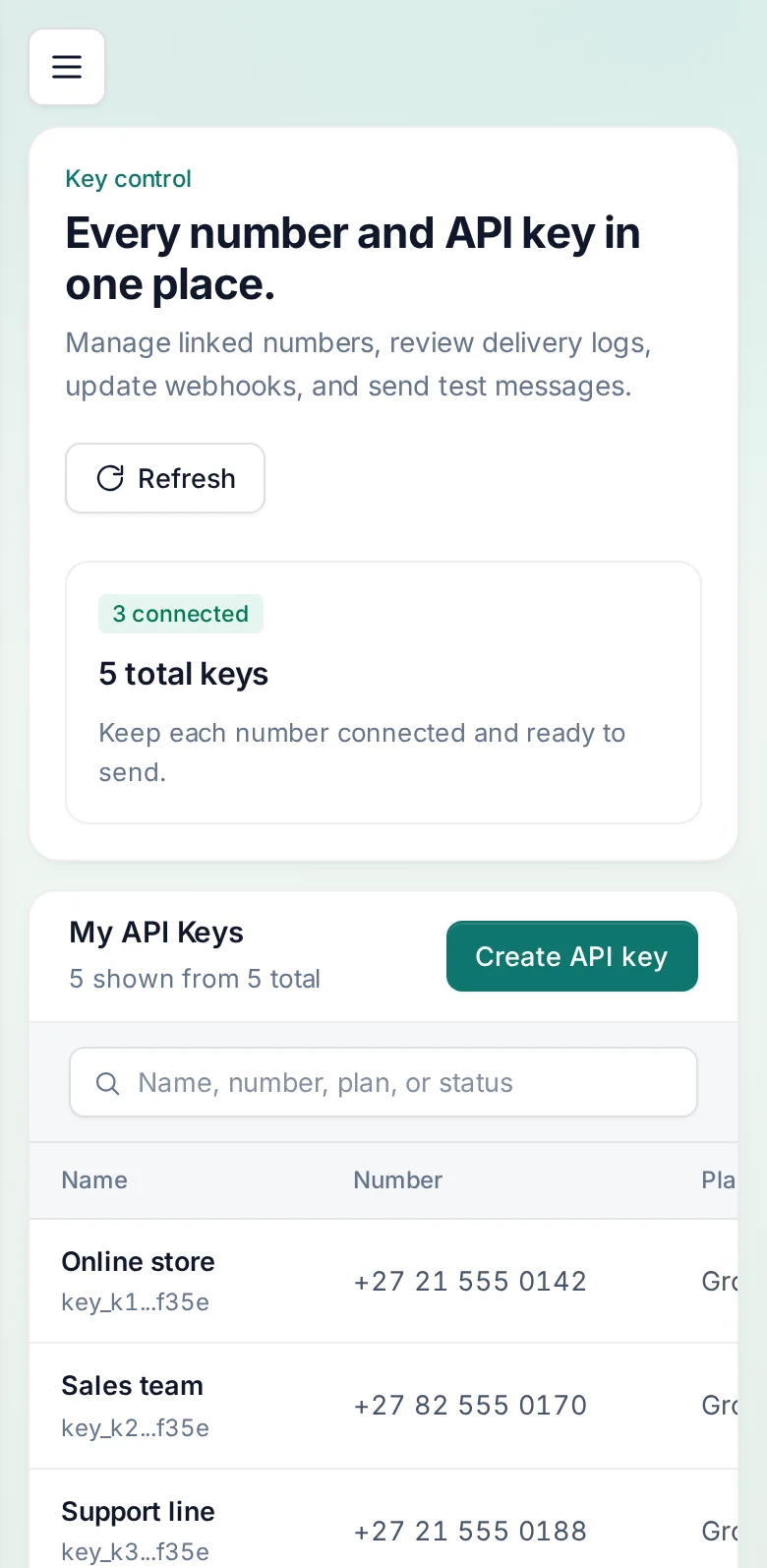
Each API key links its own number, so the shop, a branch and the support line can each have theirs.
Status at a glance
See which numbers are connected, which are connecting and which need a fresh scan.
Unlink any time
Disconnect a number from the portal whenever you need to, and link it again later.
Your numbers, in your pocket.
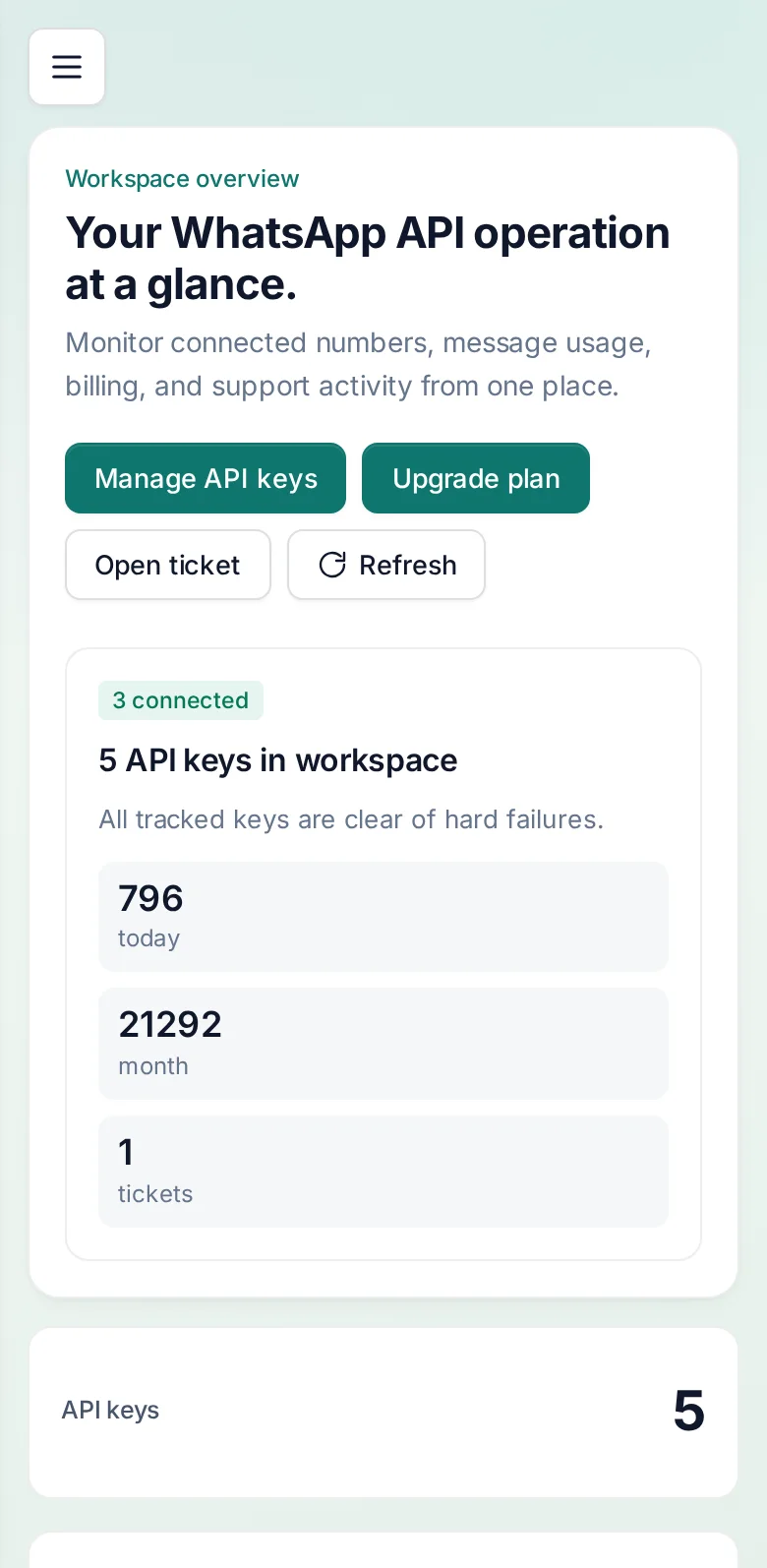
The portal works in the browser on any phone: check a number’s status, see today’s messages and open a key without reaching for a computer.
Questions, answered.
Do I use my own WhatsApp number?
Yes. You link the number you already use by scanning a QR code in your portal, or with a pairing code. Messages go out from your number and replies come back to you — you are never renting a sender.
What happens when a plan ends?
Each key carries its expiry date and switches itself off on that day. You get an email before a key stops working, not after, so there is time to renew.
Works with
Your number. Your API.
Connect your WhatsApp number in under a minute. Annual plans, with no per-message fees.