
Every reply, on your endpoint, as JSON.
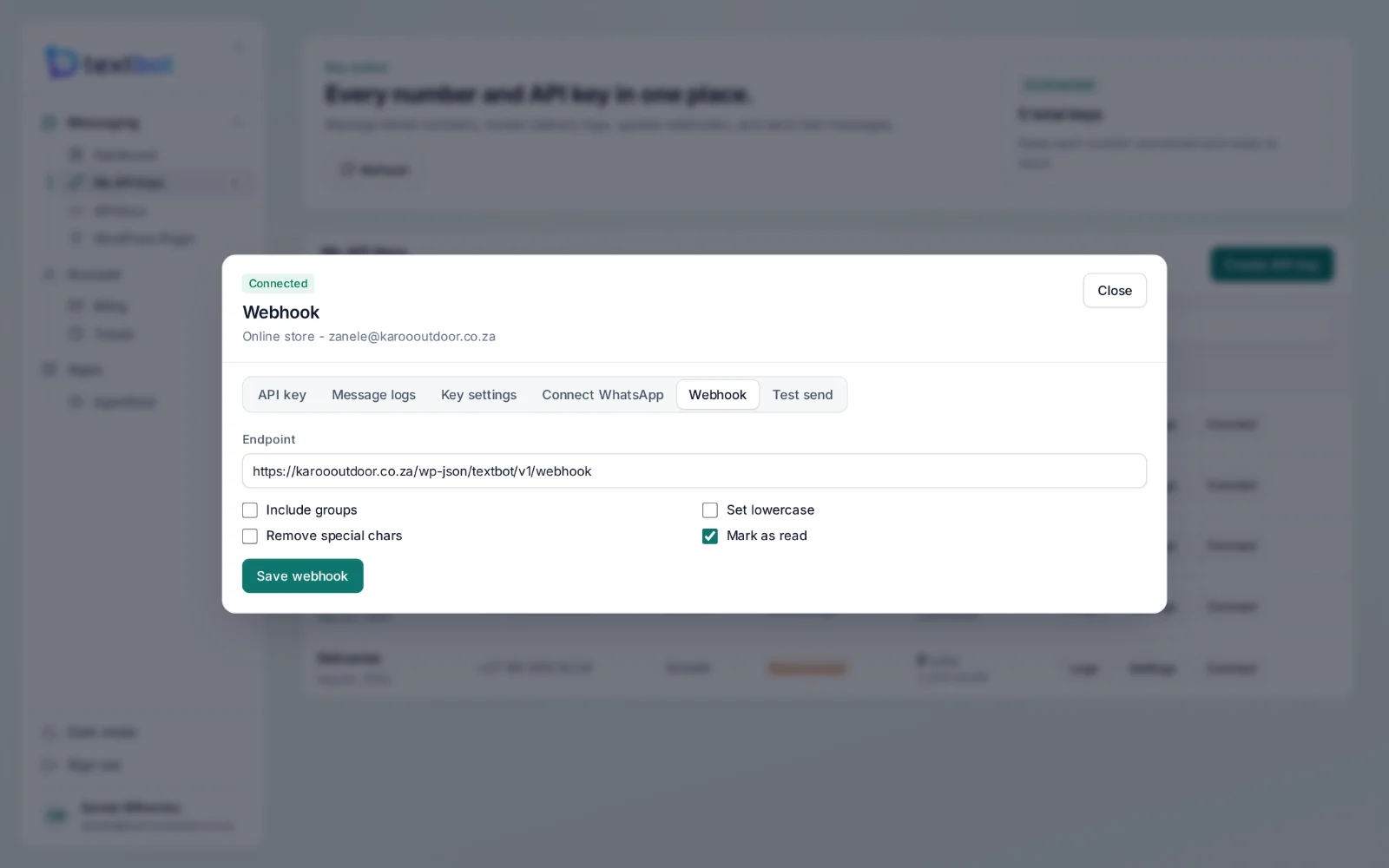
Give a key a webhook address and every inbound message, button tap and file is posted to it as JSON, the moment it arrives. Your system decides what happens next.
A payload you can read at a glance.
The type of message, who sent it, their name, the text, and a link to the file when there is one. Button taps arrive the same way, so a “Yes” from a reminder is one field away.
{
  "type": "text",
  "from": "27825550199",
  "from_name": "Thandi",
  "message": "Thanks, paid it now.",
  "file": null
}
You decide what reaches you.
Messages, taps and files
Text, button replies, images, documents and voice notes — everything a customer sends.
Skip group chats
Leave group traffic out, so your endpoint only hears from customers.
Marked as read
Mark incoming messages as read automatically when they are delivered to you.
Failed deliveries logged
If your endpoint does not answer, the failure is kept in the log with the reason.
One address per key
Each key has its own webhook, so each client or number gets its own replies.
Point it anywhere
Your own server, a no-code tool, the WordPress plugin — or AgentDesk, which registers it for you.
Questions, answered.
How do replies reach my system?
Give your key a webhook address. Every inbound message, button tap and file is posted to it as JSON. Group chats can be skipped, and messages can be marked as read automatically.
What is AgentDesk?
The workspace your team answers from. It puts WhatsApp, website chat and email in one shared inbox, keeps a CRM behind every conversation, and runs AI agents that answer from your own documents. It uses the numbers you already run through TextBot.
Do I need a second account for AgentDesk?
No. AgentDesk runs at agentdesk.textbot.cc and signs you in from your TextBot account — one login, no second password.
Works with
Your number. Your API.
Connect your WhatsApp number in under a minute. Annual plans, with no per-message fees.